Official IBO Player License
5€/Year — 10€ Lifetime
Premium IPTV player for Firestick, Smart TV & Android. Fast worldwide activation • Trusted by thousands.
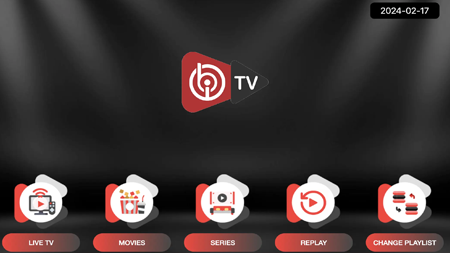
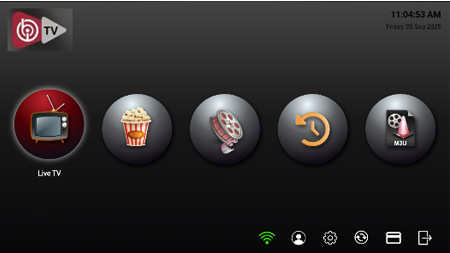
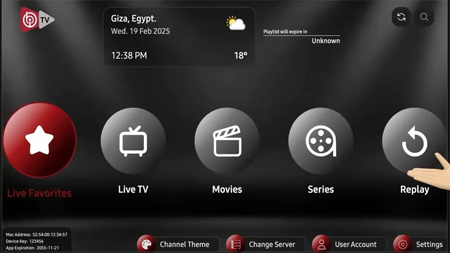
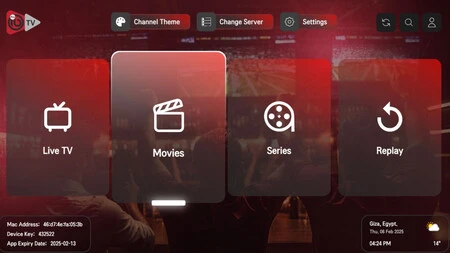
Premium IPTV player for Firestick, Smart TV & Android. Fast worldwide activation • Trusted by thousands.

Firestick

LG Smart TV

Samsung TV

Roku
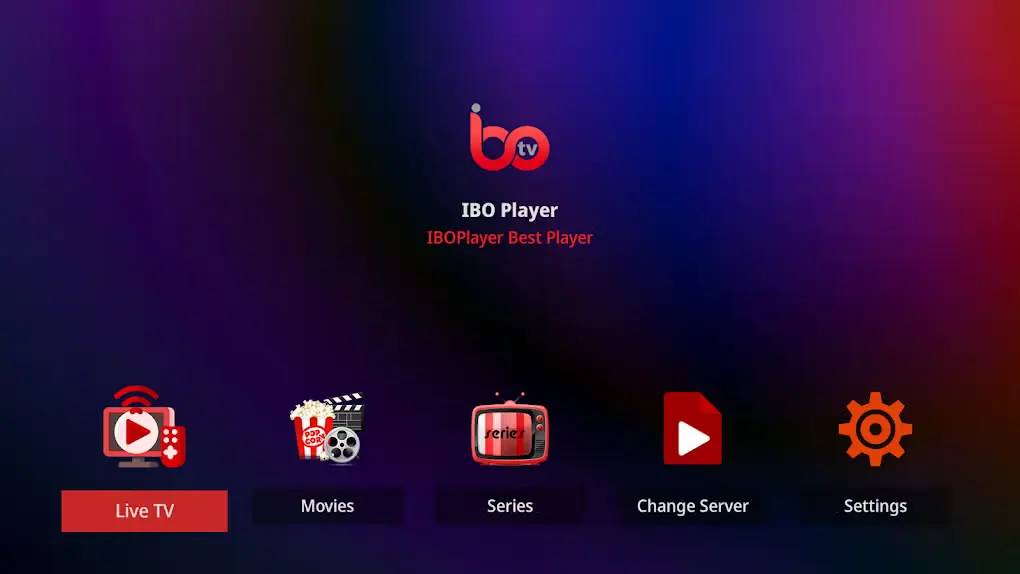
Android TV

Windows
Choose your device and follow the installation instructions. IBO Player is a media player only and does not include playlists, channels, or subscriptions.
We accept all major secure payment options
Visa
Mastercard
PayPal
Bank Transfer
256-bit SSL Secure Payment
Your data is protected • Instant activation after payment
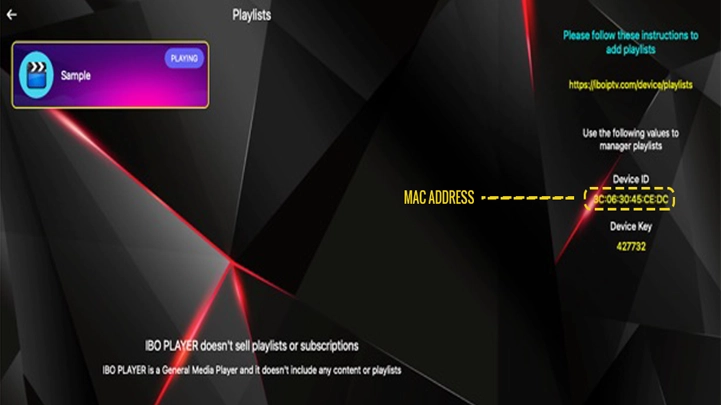
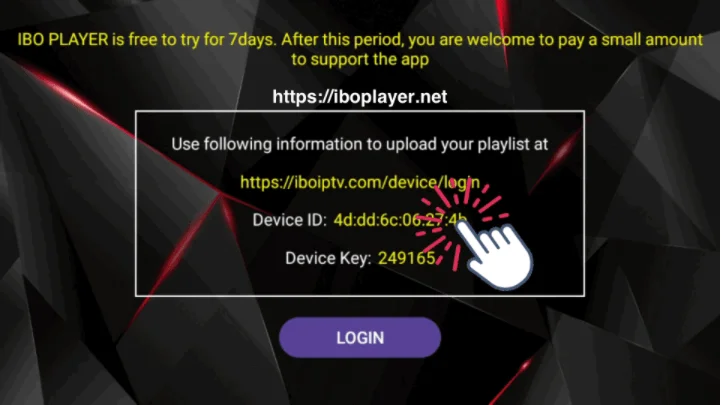
Please ensure that you provide your MAC address correctly when placing your order, as we are not able to activate it if it is written incorrectly.
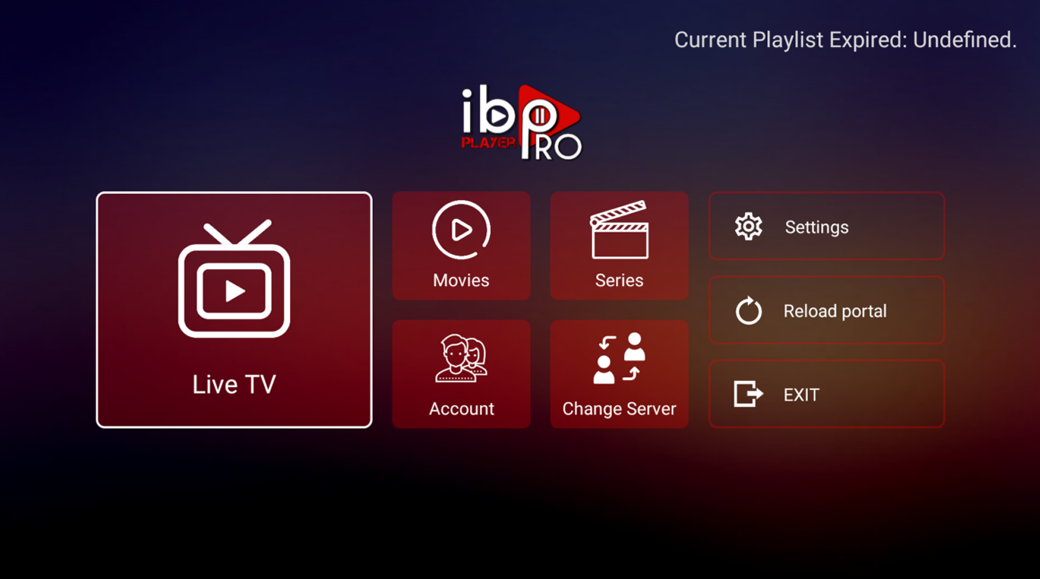
IBO PLAYER PRO is a comprehensive media player. It does not sell any playlists or subscriptions. It is a video media player and does not offer channels or include any content. Clients must acquire content from their preferred service providers.
Upgrade to IBO Player Pro →1. Go to Settings → My Fire TV → Developer Options → Enable "Apps from Unknown Sources"
2. Install "Downloader" from Amazon Appstore
3. Open Downloader and enter: ibodesk.com/iboupdate.apk or Code: 1171959
Download the dedicated version for your TV and install via USB or the built-in browser.
Open IBO Player → Settings → Device Information. Copy the Device ID shown.
After payment, you will receive your activation code within 5 to 30 minutes via WhatsApp.